A reference board
that is just a URL.
Drop images onto an infinite wall, arrange them, crop them, pack them tight. Tack is an open-source PureRef that runs in your browser — no install, no account, and not one image leaves your machine.
Free and MIT licensed · works offline · installs as an app
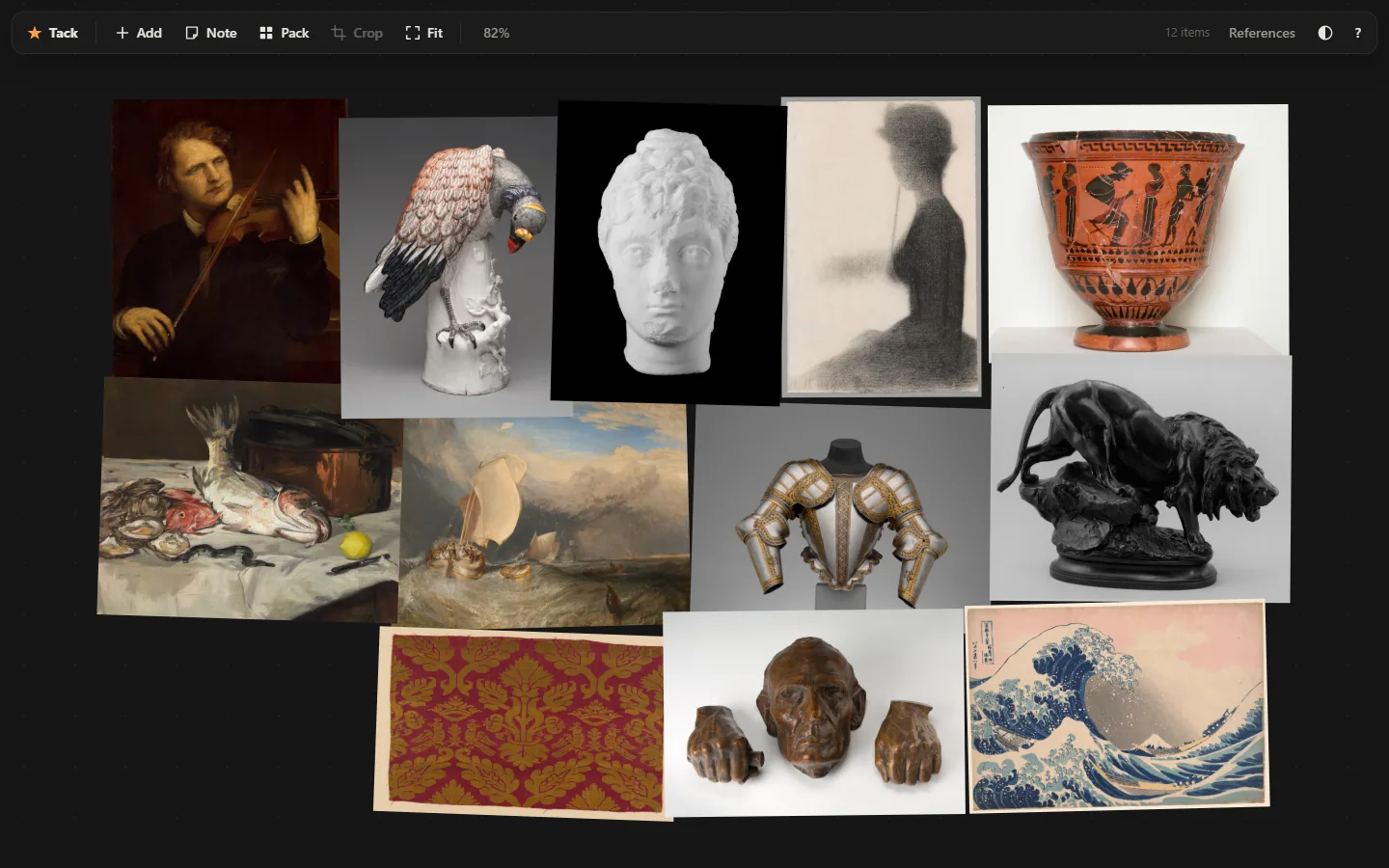
Everything the wall needs. Nothing else.
Tack does the small number of things a reference board is for, and tries to do them without friction.
Pack it tight
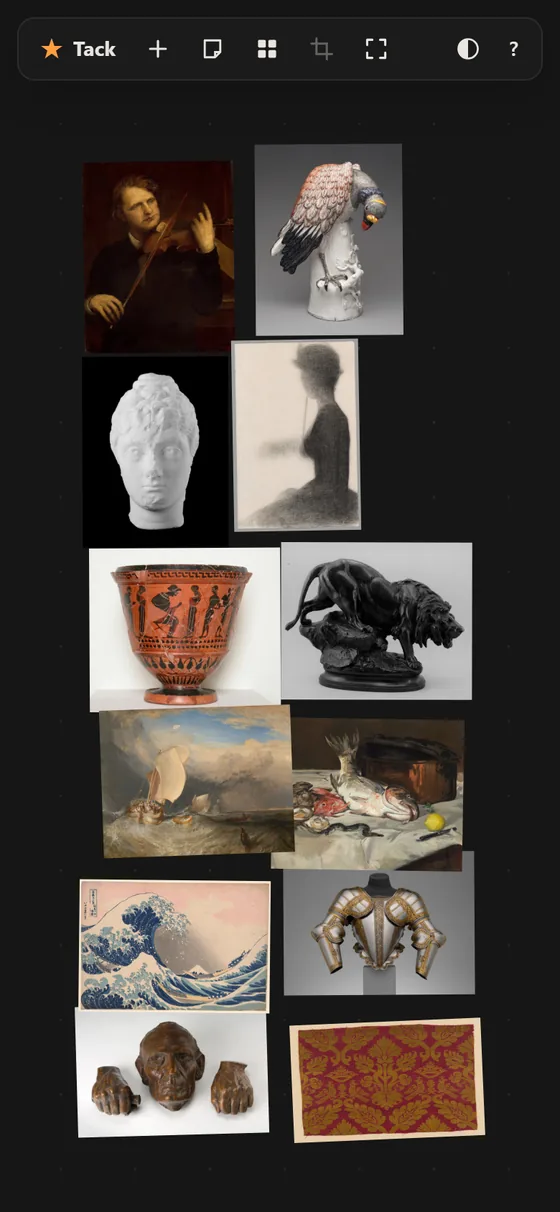
One shortcut tidies the whole wall — or just what you selected — into a tight rectangle shaped like your window.
Arrange without fighting it
Move with snapping to neighbours' edges and centres, scale about the opposite corner, rotate with 15° snaps.
Crop, flip, greyscale
Crop by dragging an edge. Drop an image to greyscale for a value study. Everything composes, nothing drifts.
As many boards as you like
Switch from the toolbar. Save one as a single file with the original images inside, and open it anywhere.
Notes between the images
Double-click empty space and type. Notes wrap, scale and rotate exactly like the images do.
Undo everything
Every action, all the way back. Boards autosave moments after you stop, and again when you switch tabs.
Crop by dragging the edge
No dialog, no aspect menu. Grab an edge and pull. The crop is stored independently of scale, rotation and flip, so you can keep adjusting any of them afterwards and nothing shifts.
Try it →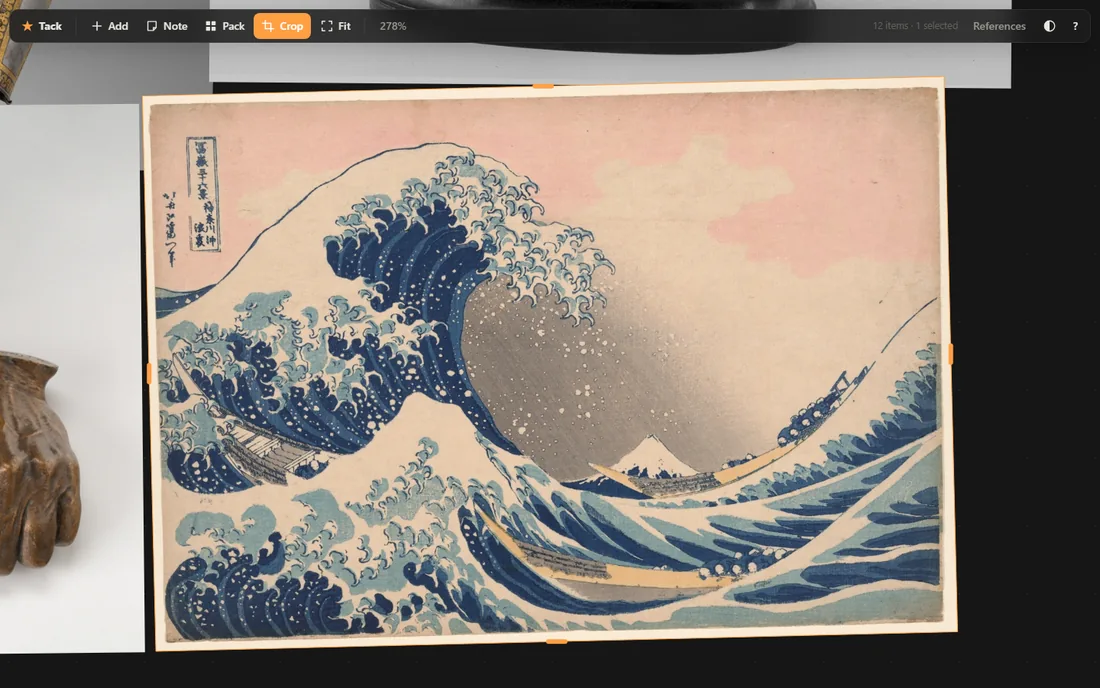
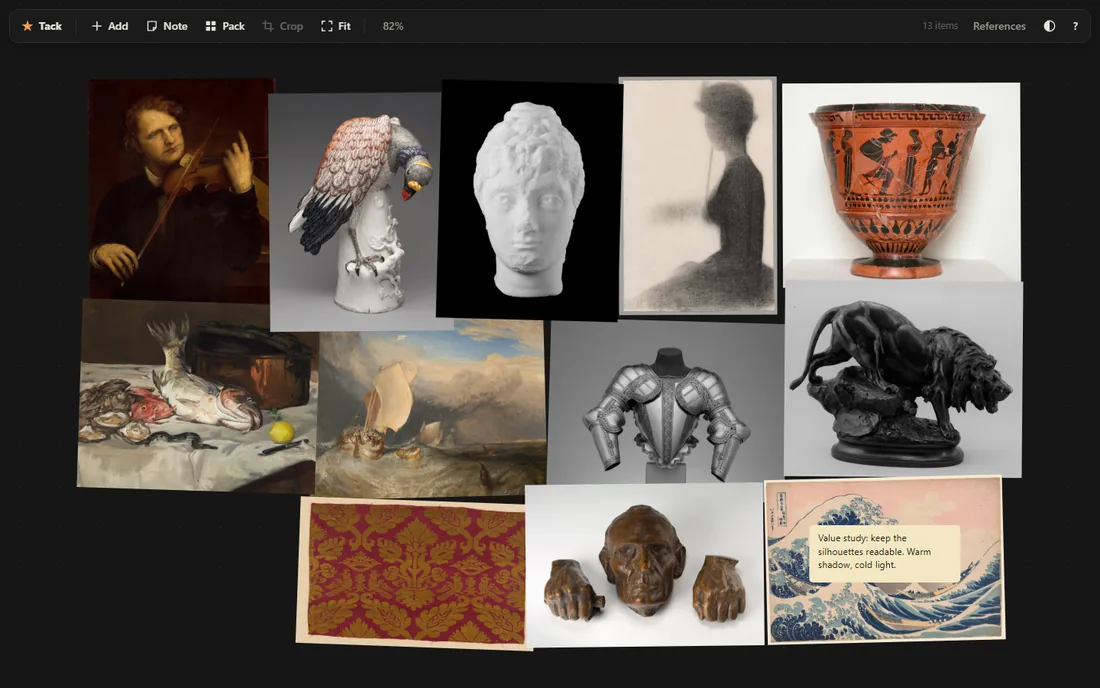
Value studies and marginalia
Press G to strip an image to greyscale when you are reading values rather than colour. Write notes to yourself between the references — they behave like any other item on the wall.
Nothing leaves your machine
This is not a promise about a privacy policy. There is no server to send anything to.
- No account. There is no sign-up, because there is nothing to sign up to.
- No upload. Images are stored in your own browser, in their original bytes — never re-encoded, never transmitted.
- Works offline. Once the page has loaded once, it runs with the network off.
- Runs where you can't install things. A locked-down work laptop, a Chromebook, a borrowed desktop, an iPad.
- Yours to keep. Export a board as one file with the images inside, or as a full-resolution PNG.
Keyboard first
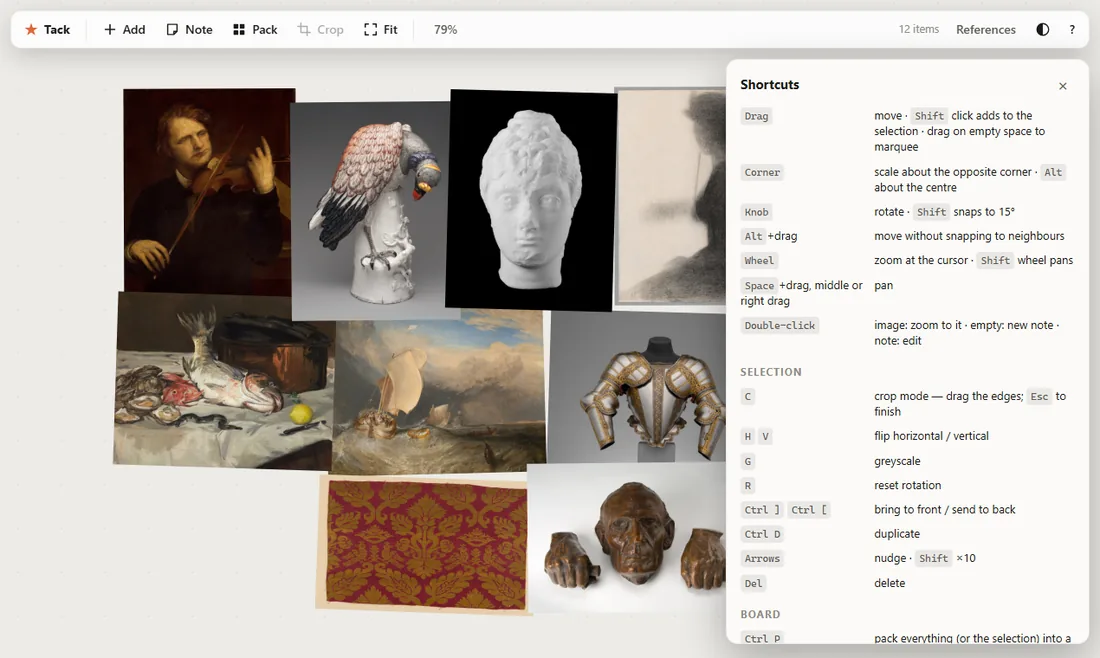
The shortcuts follow PureRef's, so your hands already know most of them.
Free, and staying that way
Tack is MIT licensed and costs nothing to use. If it saved you the price of a licence, you can put something back — it pays for the domain and the time.